
Auto-Tune vs Pitch Correction: Best Plugins for Vocal Tuning
1. Introduction
In modern music production, Autotune and pitch correction are core techniques used to ensure vocal and melodic material is accurate, expressive, and aligned with the intended musical key. While they are related, the terms describe different processes and artistic outcomes. Understanding their differences — both conceptually and technically — is essential for any producer, engineer, or arranger working with recorded vocals or instruments.
2. Definitions and Core Differences
Pitch Correction
Definition:
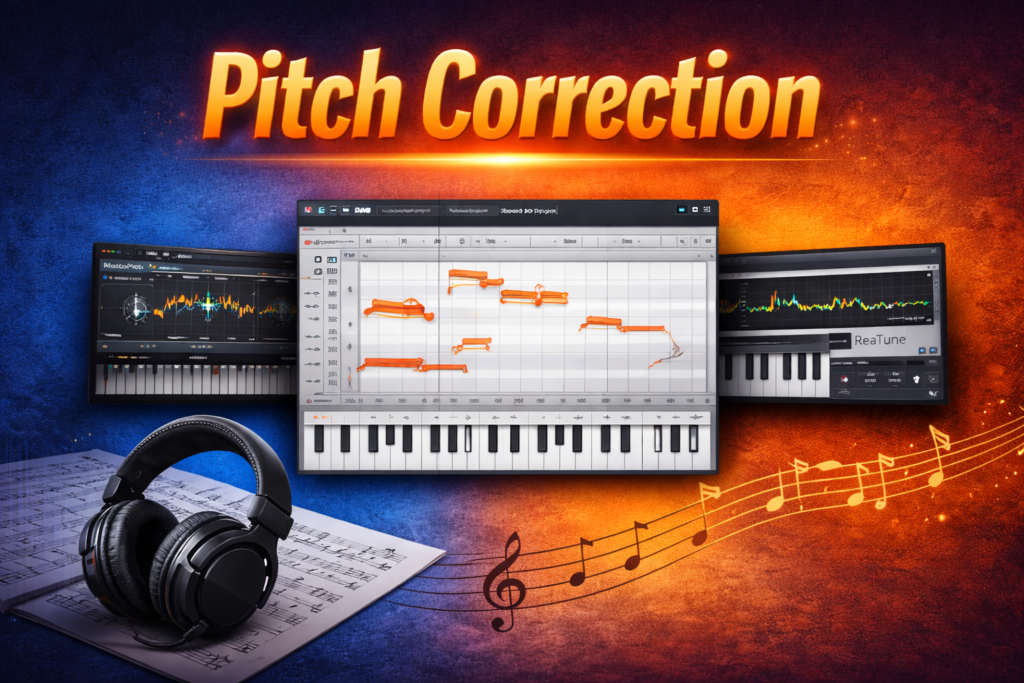
Pitch correction refers to the process of adjusting audio so that individual notes align with a specified scale or key. It is generally focused on discreet, precise adjustments and is often done manually or with software that allows detailed editing of pitch curves on a per-note basis
Purpose:
Remove small tuning imperfections
Produce a natural sound
Make subtle corrections without introducing artifacts
Typical Use Cases:
Fixing slight out-of-tune parts of a vocal performance
Editing lead or backing vocals for transparency
Producing professional-sounding mixes without noticeable effects
Characteristics:
Manual or graphic control (move each note)
Natural-sounding when applied conservatively
Usually post-production (not real-time)
Best Pitch Correction Tools (Detailed Editing)
- Melodyne 5 (Celemony) – Gold standard for deep, note-by-note pitch editing.
- Logic Pro X Flex Pitch – Integrated DAW-level pitch editor for detailed graphic correction (Logic).
- Waves Tune – Not real-time like the Real-Time version, but excellent for precise pitch shaping.
- ReaTune (Cockos/REAPER) – Manual and automatic correction modes in a flexible DAW environment.
- Slate Digital MetaTune – Transparent and musical pitch correction with modern interface.
Autotune
Definition:
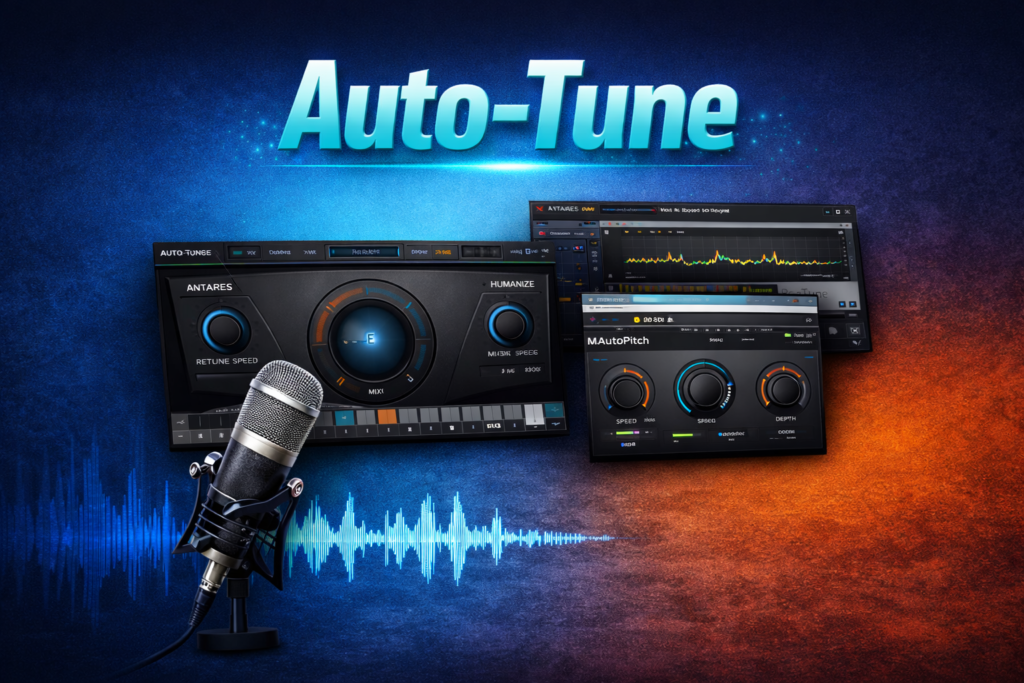
Autotune refers to automated pitch correction that continuously monitors incoming audio and automatically adjusts pitch to the nearest target note in real time or near-real time. The term originates from the trademark Auto-Tune by Antares, but is broadly used to describe responsive tuning technologies used in performance and production.
Purpose:
Correct tuning errors automatically
Create stylistic effects (e.g., the “T-Pain/Cher sound”)
Allow real-time tuning during tracking or performance
Typical Use Cases:
Live performance vocal tuning
Fast corrective workflows
Creative effects for specific genres
Characteristics:
Automatic and continuous pitch adjustment
Can produce a characteristic robotic sound when retune speed is set very fast
Works in real time during recording or live performance
Best Autotune / Real-Time Pitch Tools
Antares Auto-Tune (Auto-Tune Pro / Auto-Tune 2026) – The industry benchmark for real-time pitch correction with classic and modern modes.
Waves Tune Real-Time – Fast, low-latency real-time autotune suitable for live and studio use.
- Melodyne (Celemony) – While often used for manual correction, its real-time tuning and audio-to-MIDI capabilities give it autotune flexibility.
- MAutoPitch (MeldaProduction) – A highly capable automatic pitch correction tool with formant and stereo control, free or affordable.
Graillon 2 / 3 (Auburn Sounds) – Offers both creative and corrective tuning with realtime pitch shifting.
Note: Some producers also categorize plugins like OVox (Waves) or creative tools like The Mouth as autotune-capable due to their pitch-tracking modulation features.
3. When to Use What
Use Pitch Correction When:
You want transparent fixing of small pitch issues
You are refining a performance in mixing
Subtle, human-like intonation is critical
Use Autotune When:
You need automated tuning that reacts in real time
You want a creative or synthetic vocal effect
Tracking vocals while recording to guide the performer
Choosing between Autotune and pitch correction depends on your artistic intent and workflow:
If you require automated, performance-ready tuning with real-time responsiveness or stylistic effects, autotune-oriented tools are appropriate.
If your goal is precise manual editing and transparent results, pitch correction tools that allow detailed note control are preferable.
Most modern digital audio workstations and vocal chains will incorporate both approaches as part of a comprehensive vocal production process.